In today’s AI-driven world, selecting the right GPU is more than a technical necessity—it's a strategic decision that can significantly influence your startup’s success. Whether you're training large-scale models, deploying real-time inference systems, or experimenting with generative AI, aligning your compute strategy with your business goals is critical.
This guide helps early-stage and scaling startups understand how to match their AI use case with the ideal GPU setup, while also introducing practical tools and resources to estimate and optimize compute needs.
🚀 Why GPU Strategy Is a Make-or-Break Decision
AI development is compute-intensive, and startups often have limited budgets and lean teams. Overcommitting to expensive GPU infrastructure can drain runway, while underinvesting can cripple your product’s performance or scalability.
Making informed GPU decisions early can help you:
- Accelerate development timelines
- Optimize cloud costs
- Secure investor confidence
- Avoid technical debt and infrastructure lock-in
🔍 Step 1: Clarify Your Use Case
Start by defining what you’re building. The compute needs for training a massive transformer model differ significantly from deploying an image classifier or chatbot.
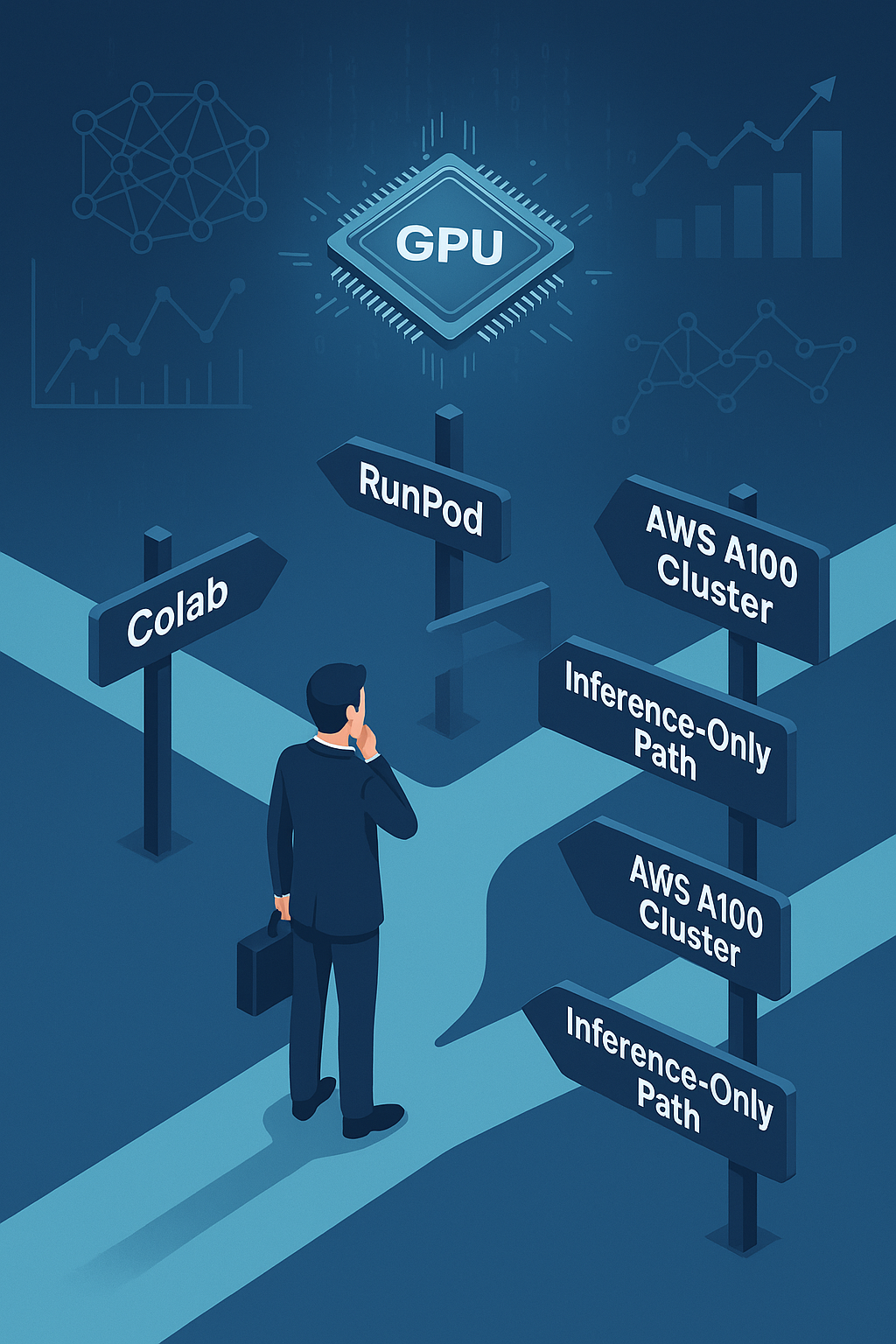
For example, startups working on large language models or diffusion-based generative AI will require high-memory GPUs like NVIDIA A100s or H100s. In contrast, teams building computer vision applications might do just fine with RTX 4090s or T4s. If you're only deploying pre-trained models for inference, a lower-cost GPU optimized for low latency may suffice.
🧠 Step 2: Estimate Your Model Requirements
Once the use case is clear, estimate the technical specs required to support it. Think in terms of:
- Number of parameters in your model
- Batch size during training or inference
- GPU memory (VRAM) required per run
- Type of operations (FP32, FP16, or INT8 precision)
- Expected concurrency (number of users or processes)
To help calculate this, use tools like:
- Lambda Labs’ GPU Calculator to estimate training time and memory usage
- RunPod’s Configurator to compare GPU cost-efficiency across model sizes
- Paperspace Gradient for running test workloads and experiments
- Google Colab Pro+ as a budget-friendly environment to prototype with access to V100s and A100s
- Inference is a global network of data centres serving fast, scalable, pay-per token APIs for models such as Llama 3.3 and Deep Seek V3.
These tools give you a clear picture of what hardware matches your architecture and usage.
💸 Step 3: Align With Your Budget and Startup Stage
Your startup’s phase will often dictate your infrastructure decisions.
If you're in the ideation or prototyping phase, you may not need to invest in GPUs at all. Platforms like Google Colab, Kaggle, Hugging Face Spaces, and Replicate offer free or freemium access to shared GPUs—ideal for early experimentation.
As you begin building an MVP or testing with users, look into mid-range options like RTX 4090s or T4s on cloud platforms like RunPod, Lambda, or Modal. These offer a good cost-performance balance and flexible billing.
When your product begins to scale or enter production, consider more robust setups with A100s, H100s, or TPU clusters from providers like AWS SageMaker, Google Cloud Vertex AI, or CoreWeave. At this stage, performance, uptime, and orchestration become key.
🌱 Don’t Forget Startup Credits
Many major cloud and hardware providers offer generous startup programs. These can drastically reduce your GPU costs and give you access to high-end infrastructure while you scale.
Consider applying to:
- AWS Activate, which offers up to $100,000 in credits
- Google for Startups Cloud Program, which includes access to Vertex AI
- Microsoft for Startups, which provides Azure compute and AI support
- NVIDIA Inception, which offers access to GPUs, SDKs, and go-to-market assistance
Even if you’re bootstrapped, these programs can be a launchpad to world-class infrastructure.
🔁 When to Reassess Your GPU Setup
Your GPU strategy should evolve with your product and business. Consider reassessing your infrastructure when:
- You raise a new funding round or extend runway
- Your user base grows significantly
- Model complexity increases (e.g., moving from BERT to LLaMA 3)
- You're optimizing for latency-sensitive use cases like real-time recommendations or voice assistants
It’s important to track your GPU usage closely. Tools like NVIDIA Nsight, PyTorch Profiler, and Weights & Biases can help you spot inefficiencies or underutilization. These insights can guide when to scale up—or scale down.
✅ Final Advice for Startup Founders
Don’t chase the biggest GPU or the fanciest specs—chase the right match for your problem.
Begin lean, test your assumptions, and upgrade only when there’s a clear bottleneck. Avoid paying premium for hardware you won’t fully utilize. Instead, focus on continuous optimization, and let your compute infrastructure scale with your business, not ahead of it.
Remember, your GPU decision is not just a technical one—it’s a core element of your startup’s operating model.