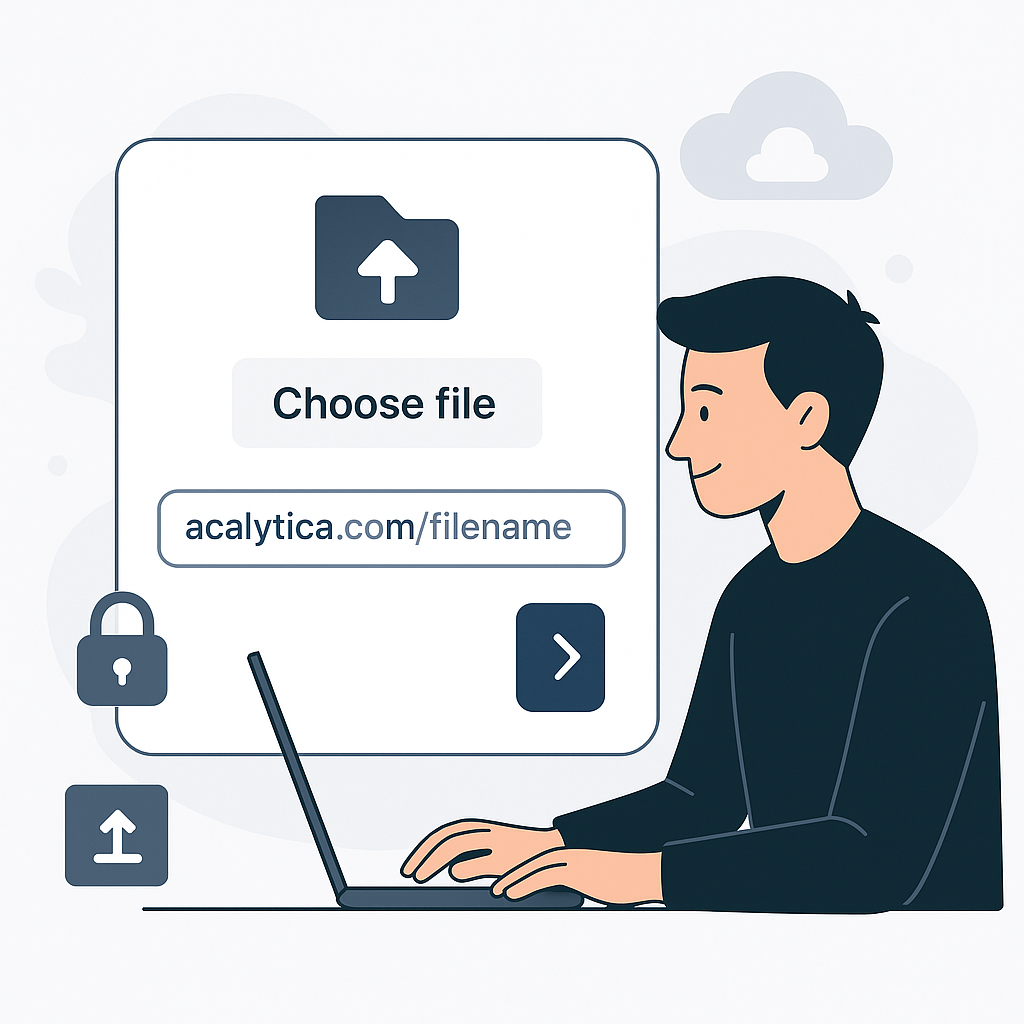
In today’s digital economy, creators, freelancers, and businesses regularly exchange important files—whether it's pitch decks, product catalogs, contracts, or media assets. Traditionally, platforms like WeTransfer have dominated this space, but they come with limitations like short-lived URLs, ads, or lack of brand customization.
Enter Acalytica File Links — a powerful, professional way to share files that aligns with your brand and puts you in control.
🔐 What Are Acalytica File Links?
Acalytica File Links allow you to upload and share documents, images, PDFs, or zip files with a custom short URL that’s easy to remember and share. You can create these file links right from your Acalytica dashboard — no coding required.
Supported file types include:
.jpg,.jpeg,.png,.gif,.webp,.avif.pdf,.zip,.rar.doc,.docx- Max file size: 255MB
💡 Why Use Acalytica Instead of WeTransfer?
1. Branded URLs
Unlike generic file-sharing platforms, you get to use your own domain (e.g., acalytica.com/your-link-name). This makes your link look trustworthy and professional.
2. Secure Sharing with Controls
You can enable:
- Force download to bypass in-browser viewing
- Temporary URLs for time-limited access
- Password protection for sensitive files
3. Track Performance
Want to know if your file was opened or downloaded? Enable tracking pixels to gain insights — perfect for sales decks, portfolios, or lead magnets.
4. All-In-One Dashboard
Your file links live alongside your:
- Biolink pages
- QR codes
- Event and Vcard links
- AI tools (speech-to-text, document generation, image creation, etc.)
⚡ Real Use Cases
- 🎤 Musicians sending press kits or song demos
- 📦 Entrepreneurs sharing product brochures
- 🧑🏫 Educators distributing course materials
- 🧑💼 Freelancers delivering final work to clients
🚀 How to Get Started
- Log into your Acalytica account
- Go to File Links in the sidebar
- Upload your file (max 255MB)
- Choose a short URL or let Acalytica generate one
- Customize settings (e.g., password, expiry, tracking)
- Click Create file URL and you’re done!
🔗 Manage all links here: https://acalytica.com/links?type=file
Final Thoughts
If you’re still emailing attachments or relying on unbranded, ad-filled transfer services, it’s time to upgrade. Acalytica File Links are more secure, more customizable, and more professional.
🌐 You create. We’ll help you grow.
Start sharing smarter today.