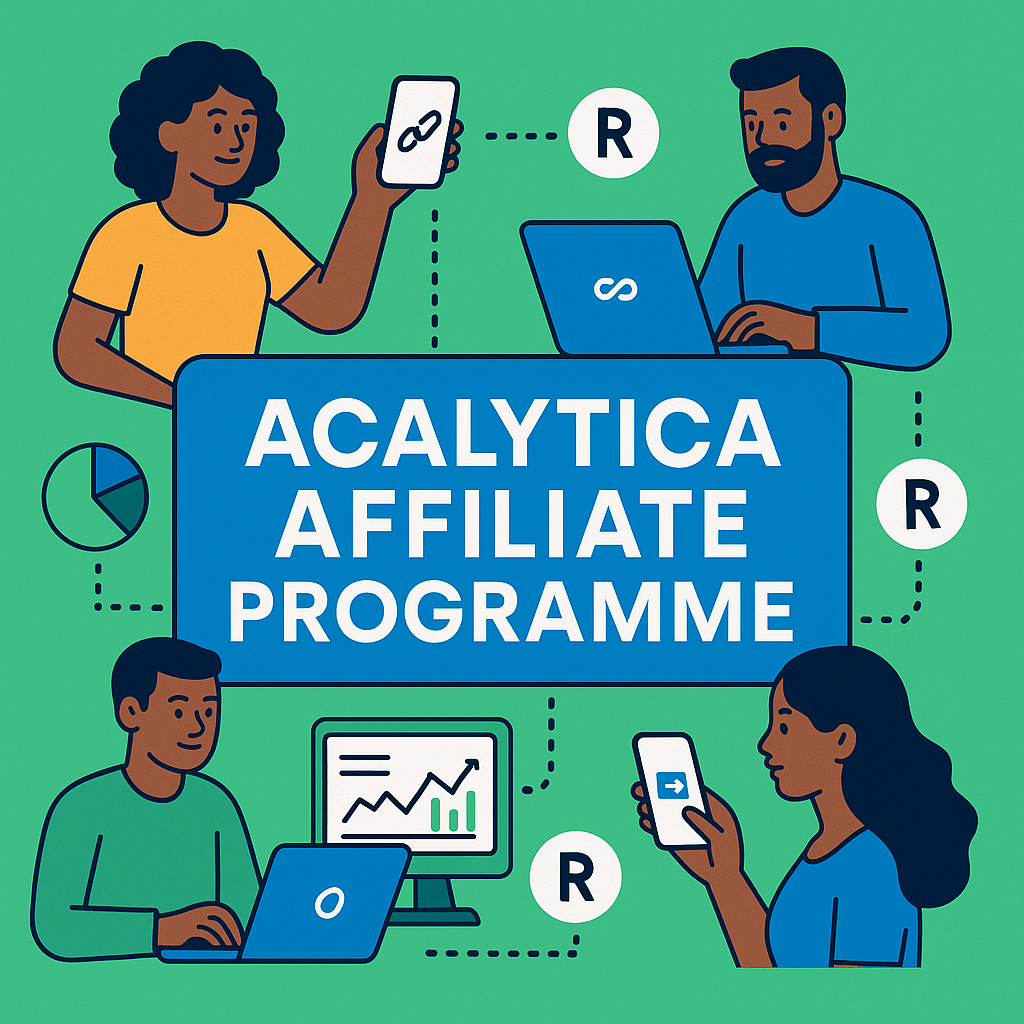
Here’s a clear, step-by-step guide you can share with your users on how to customise their Acalytica Affiliate code:
Register / Login
- If you’re new, sign up at 👉 Register Here
- Already have an account? 👉 Login Here
Set Your Referral Key
- Go to your account page 👉 Account Settings
- Edit the “Referral Key” field (choose something memorable, e.g. your name or brand).
- Click Update to save.
Get Your Affiliate Link
- Head to 👉 Affiliate Dashboard.
- Copy your referral link.
- You can also add your referral key to any Acalytica URL (e.g.
https://acalytica.com/?ref=YourKey) all clicks and signups will be tracked.
Earn Forever Commissions
- You’ll earn commission on all payments from your referred users (no expiry as long as they stay subscribed).
- Tracking lasts 90 days for first-click attribution.
Withdraw Your Earnings
- Once you reach a minimum of R150, you can request a withdrawal.
- Add your South African bank account, PayPal email, or a payment link under withdrawal settings.
👉 Pro tip: Use your custom referral link in your bio, WhatsApp status, email signature, or posts to start earning faster.