Almost every guide comparing South African payment gateways is written for online shops selling physical products. Baskets, shipping, inventory, returns. But if you are a creator selling an ebook, a meal plan, study notes or a template pack, your needs are different. You have no shipping and no stock. What you care about is simple: can I sign up easily without a registered company, what does each sale actually cost me, how fast does the money reach my bank account, and will my customers trust the checkout enough to complete the payment.
So this comparison is written for you, the creator. We look at the four gateways that matter most for selling digital products in South Africa: Payfast, Yoco, Paystack and Ozow. All fees mentioned are the standard published rates at the time of writing and exclude VAT unless stated otherwise. Always confirm the latest rates on each provider's site, because they do change.
Payfast: the widest net
Payfast is the veteran of South African online payments and the one your customers are most likely to have used before.
What it costs. Standard card payments cost around 3.5% plus R2 per transaction, with Instant EFT and several other methods at around 2% plus a R2 minimum. There are no setup or monthly fees, so you only pay when you sell. One thing to note: Payfast charges a small flat payout fee (around R8.70) each time you withdraw to your bank account, so it makes sense to withdraw in batches rather than after every sale.
How you get paid. Funds typically become available in your Payfast account within about 48 to 72 hours, and you then pay out to your bank.
Why creators like it. Two big reasons. First, you can open an individual account, meaning you do not need a registered business to start selling, which matters if your ebook is a side hustle. Second, it supports the widest spread of payment methods in the country: cards, Instant EFT, Capitec Pay, Mobicred, SnapScan and more. Every extra payment method is a customer you do not lose at checkout.
The catch. The card rate is the highest of the three, and the payout fee nibbles at small balances. On a R150 ebook paid by card, you are giving up roughly R7 to R8 in transaction fees before the payout fee.
Yoco: the trusted name with clean pricing
Yoco built its reputation on those blue card machines you see at every market and coffee shop, and that brand recognition carries over to its online gateway.
What it costs. Local card transactions run from about 2.95% down to around 2.55% as your monthly volume grows, with no fixed per-transaction fee added on top. International and Amex cards cost more, from about 3.2% to 3.4%. There are no setup, monthly or payout fees.
How you get paid. Money reaches your bank account within a maximum of two business days, and payouts are free.
Why creators like it. The pricing is simple and the percentage-only structure is kinder on low-priced products. On a R99 template, a percentage with no fixed fee beats a percentage plus R2. The dashboard and app are also genuinely pleasant to use, and if you ever sell in person at a market or an event, your online and card machine sales sit in one place.
The catch. It is primarily card-focused. If a chunk of your audience prefers paying by instant EFT or does not have a card that works online, you may lose those sales unless you offer another option alongside it.
Paystack: the modern all-rounder
Paystack started in Nigeria, was acquired by Stripe, and has been operating in South Africa for a few years now. It has quietly become one of the most creator-friendly options in the country, and it is one of the gateways you can connect directly on Acalytica.
What it costs. Local transactions cost 2.9% plus R1, and that R1 is waived entirely on transactions under R10. Capitec Pay and EFT payments through Paystack are charged at a flat 2% with no fixed fee. There are no setup or monthly fees, and unlike some competitors, all payouts to your bank account are completely free.
How you get paid. Settlement is automatic. Money from your sales lands in your South African bank account within about two working days of the customer paying, without you having to request a withdrawal. For a creator who wants to set things up and forget about them, automatic settlement is a genuinely underrated feature.
Why creators like it. Three things stand out. First, the payment method spread is modern and local at the same time: cards, EFT, Capitec Pay and Apple Pay all work out of the box. Second, international customers can pay you with their foreign cards and Paystack charges and settles the transaction in Rands by default, which makes it the easiest of the four for creators with an audience beyond South Africa. Third, its fraud protection is strong, which reduces chargeback headaches on card sales.
The catch. The R1 fixed fee makes it slightly less efficient than Yoco on very low-priced card sales, and account activation requires FICA documents, so allow a day or two for verification before your first sale.
Ozow: the EFT specialist
Ozow does one thing exceptionally well: instant EFT payments straight from the buyer's bank account, no card needed.
What it costs. Ozow's EFT rates are the lowest of the bunch, from around 1.5% per transaction on entry-level plans.
Why creators like it. A meaningful slice of South African buyers either do not have a credit card, do not trust putting their card details into a website, or simply prefer paying from their banking app. Ozow captures exactly those people, and because EFT payments cannot be charged back the way card payments can, it removes chargeback risk entirely.
The catch. It is EFT only, so on its own it excludes card payers. It works best as a second option next to a card gateway rather than as your only checkout.
So which one should you pick?
Here is the honest answer: for a creator selling digital products, the best setup is usually not one gateway, it is a combination.
If you are just starting out with no registered business: start with Payfast. The individual account option and the huge range of payment methods make it the lowest-friction way to take your first Rand online.
If you want the least admin possible: Paystack is hard to beat. Automatic settlement, free payouts and a modern method spread mean you connect it once and never think about it again. It is also the strongest choice if part of your audience pays with international cards, since everything still settles in Rands.
If you sell low-priced products (under R150) mostly to card payers: Yoco's percentage-only pricing will quietly save you money on every sale, and payouts are free and fast.
If your audience skews toward EFT or you sell higher-priced products: add Ozow. The lower rate on a R500 or R1,000 product adds up quickly, and the no-chargeback structure protects you.
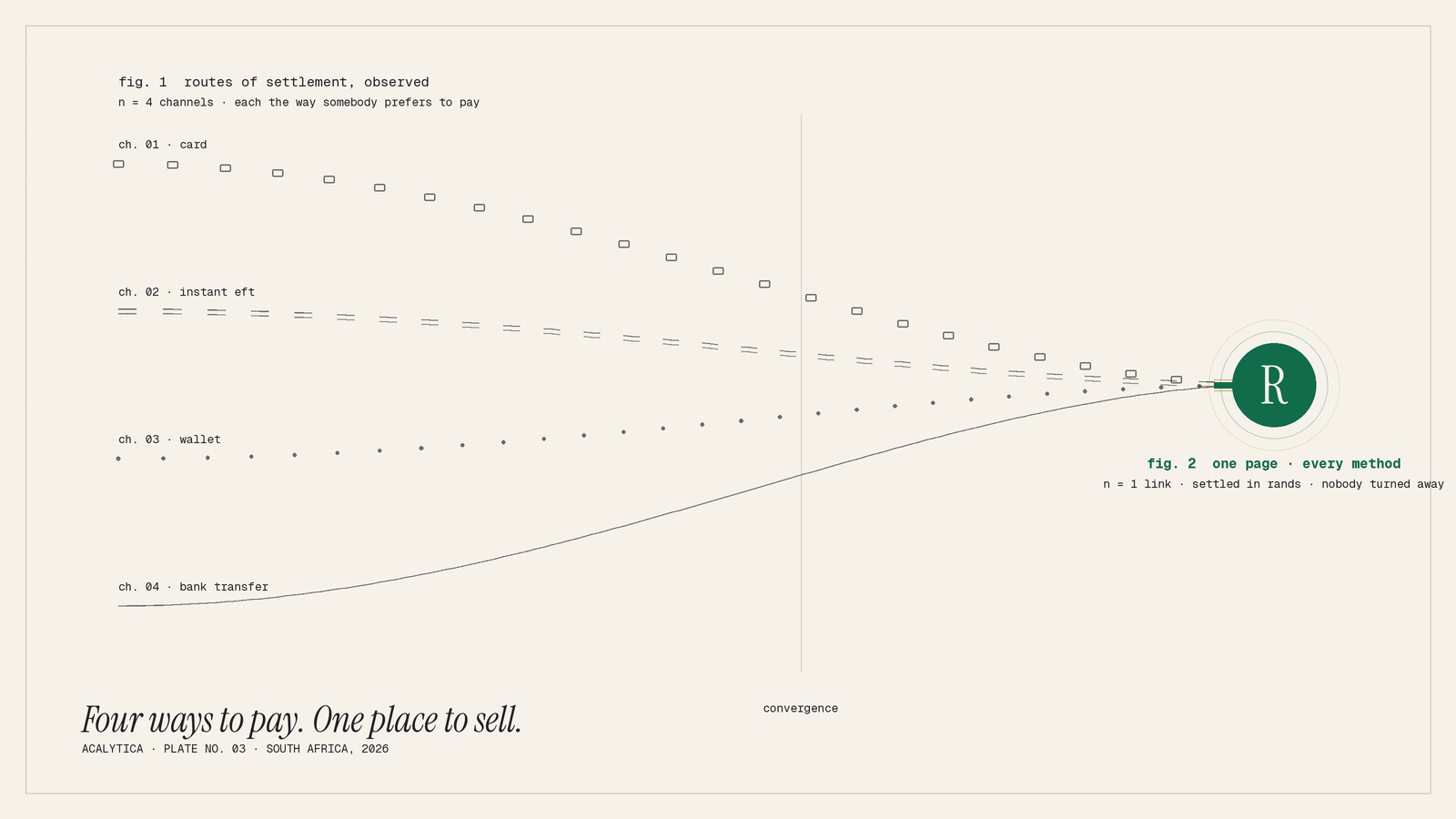
The good news is that you do not actually have to choose. On Acalytica, you can connect more than one payment gateway to the same page, so your customer picks whichever way they prefer to pay. The buyer with a Capitec card, the buyer who only does EFT and the buyer with an international Visa can all complete the sale, and every one of them pays in Rands that settle into your South African bank account.
Set it up once and forget about it
Whichever gateway you choose, the setup on your side is the same: create your page, upload your product, connect your gateway account, and share your link. From that point the gateway handles the payments, your page handles the delivery, and you handle nothing at all.
Create your free page on Acalytica, connect your gateway of choice, and let your customers pay the way they want to.
Fees and features referenced in this article are based on publicly available pricing at the time of writing and exclude VAT unless stated otherwise. Confirm current rates directly with each provider before signing up.